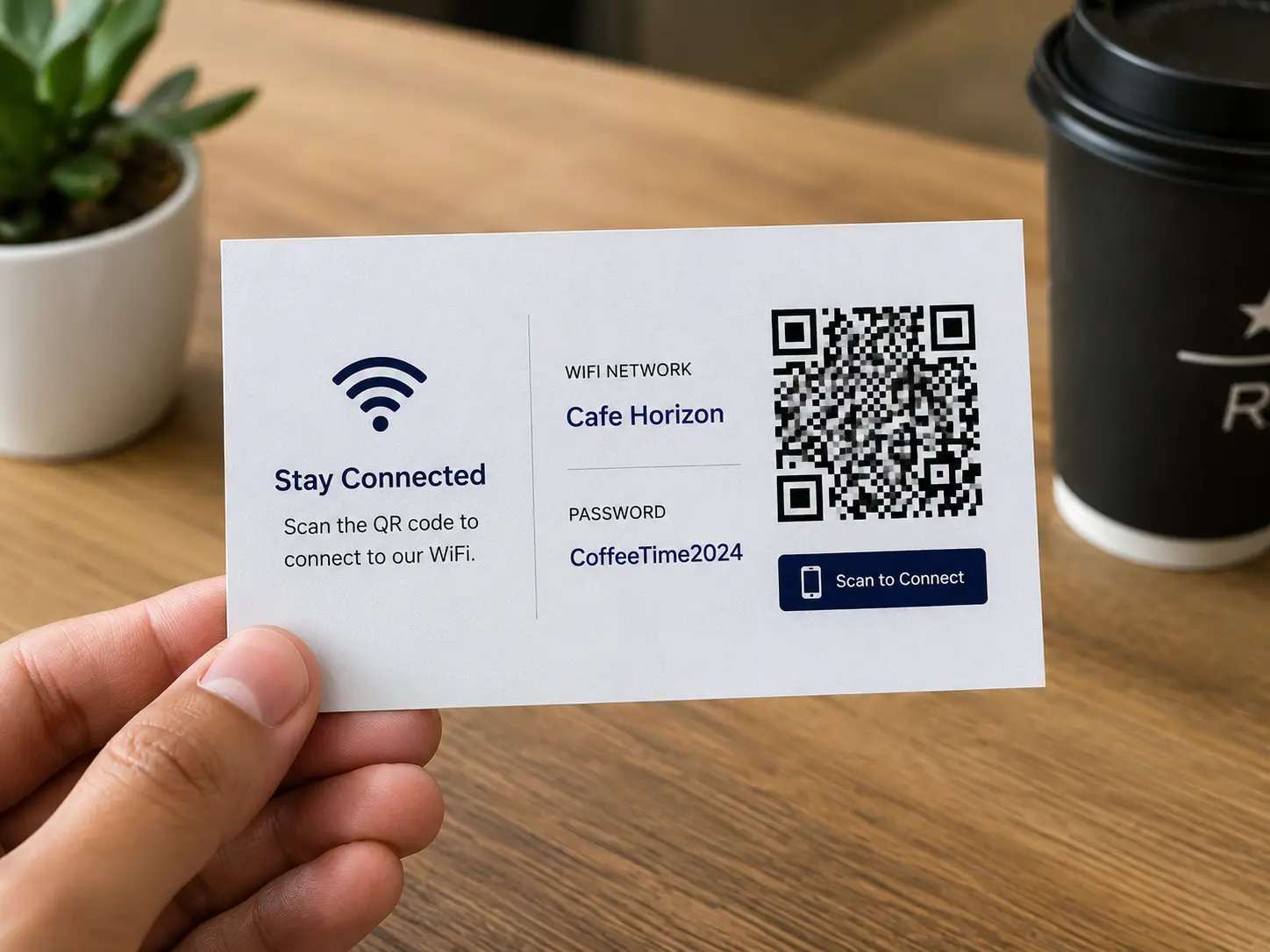
Guest Wi-Fi should be simple
Customers and visitors often ask the same question: “What is the Wi-Fi password?” Staff members repeat it, write it down, or point to a sign that may be hard to read. Long passwords create friction, especially in cafes, salons, hotels, offices, waiting rooms, event spaces, and short-term rentals. A Wi-Fi QR code makes the experience much easier.
With Nalu Link’s free Wi-Fi QR Code Generator, a business can enter the network details, generate a QR code, and display it where guests can scan. The goal is simple: reduce the hassle of typing passwords and help people connect faster.
Better for customers and staff
A Wi-Fi QR code helps both sides of the interaction. Customers avoid typing long or confusing passwords. Staff members avoid repeating the same answer all day. The business looks more polished because the connection process feels intentional.
This small improvement can matter in places where people wait, work, dine, relax, or meet. A customer who can connect quickly may spend more time engaging with the business, browsing online menus, joining loyalty programs, posting reviews, or completing digital forms.
Where to place Wi-Fi QR codes
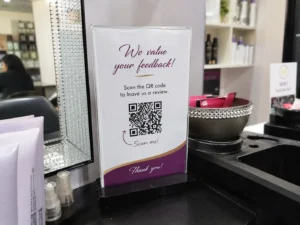
Placement should be based on where people naturally look for help. Good locations include counters, reception desks, waiting room tables, guest rooms, conference rooms, event check-in tables, table tents, printed welcome cards, and office common areas. The code should be large enough to scan and paired with a clear instruction such as “Scan to Connect to Guest Wi-Fi.”
Businesses should test the QR code from a normal distance before printing. The experience should feel effortless, not like a puzzle.
Use guest Wi-Fi as part of the customer experience
A Wi-Fi QR code is not only a technical convenience. It is part of the customer experience. When a business makes small interactions easier, customers notice. A waiting room feels more thoughtful. A cafe feels more welcoming. A salon feels more professional. A conference room feels more prepared.
For event spaces, QR codes can also help visitors connect quickly without interrupting staff or organizers. This is useful for conferences, training sessions, community events, vendor fairs, and networking meetings.
Keep security in mind
Businesses should use a guest network rather than sharing private internal Wi-Fi access. A QR code makes access easier, but it should still point to the right network. Separate guest Wi-Fi helps protect internal systems while still offering convenience to visitors.
If the password changes, create a new QR code and update printed materials. For longer-term signage, consider placing the code in a frame or holder so it can be replaced easily when network details change.
A simple tool with a practical purpose
Nalu Link’s Wi-Fi QR code tool is useful because it solves a common everyday problem. It does not require a complicated setup, and it can be used by restaurants, cafes, salons, hotels, offices, nonprofits, schools, event venues, and home hosts.
The best QR code tools are the ones that remove friction. A Wi-Fi QR code does exactly that. It helps visitors connect quickly and helps businesses create a smoother experience.
FAQ
What is a Wi-Fi QR code?
A Wi-Fi QR code lets people connect to a wireless network by scanning a code instead of typing the network name and password manually.
Where should a business display a Wi-Fi QR code?
Display it at counters, reception areas, tables, waiting rooms, guest rooms, conference rooms, event spaces, or welcome materials.
Is a Wi-Fi QR code good for businesses?
Yes. It improves convenience for customers and reduces repetitive password questions for staff.
Should businesses use a guest Wi-Fi network?
Yes. Businesses should use a separate guest network instead of sharing access to private internal systems.
Create a free Nalu Link account and build a trackable QR code or campaign link for your next print or digital campaign.
Practical setup checklist
For best results, treat each QR code as a campaign instead of a decoration. Create the campaign before printing, give it a clear name, test the QR code on multiple phones, and confirm the destination page is ready for visitors.
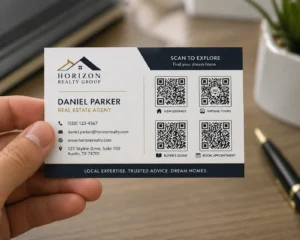
Use separate campaigns when you want separate reporting. A restaurant table tent, direct mail route, event flyer, business card, and storefront sign should not all use the same code if the business wants to compare results. The cleaner the campaign setup is, the easier the reporting will be.
After publishing or distributing the materials, review scan activity monthly. Keep the strongest campaigns, improve underperforming destinations, and update links when menus, offers, listings, or landing pages change. The goal is to make every printed piece easier to measure and easier to improve.