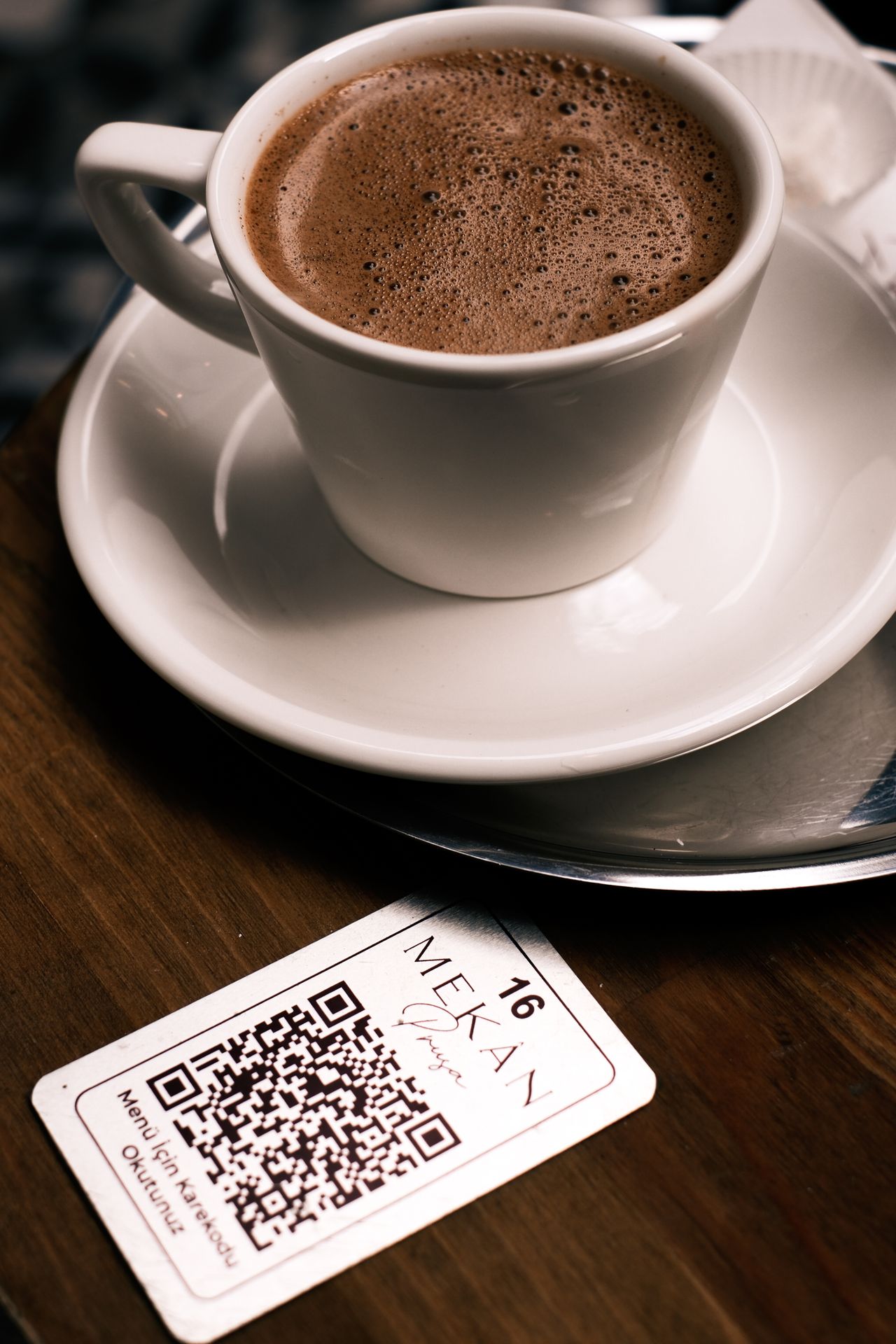
Restaurant menus change constantly
Restaurants update menus more often than most customers realize. Seasonal ingredients change. Prices need to be adjusted. Specials rotate. Online ordering pages get improved. Holiday menus appear and disappear. A printed QR code menu solves one problem, but it can create another if the code points to a page that later needs to change.
That is why restaurants should think beyond a basic QR code. A trackable, editable QR code campaign gives the restaurant a more flexible way to connect table signs, counter cards, takeout bags, flyers, and mailers to the most current digital experience.
A menu QR code should be easy to manage
The best menu QR code is not just scannable. It is manageable. If the restaurant needs to update the menu link, the team should not have to reprint every table tent or counter sign. With Nalu Link, the business can use a campaign link behind the QR code and adjust the destination when the menu changes.
This is valuable for full-service restaurants, cafes, food trucks, bars, catering companies, and takeout-focused businesses. Anything that is printed and placed in front of customers should be built to last longer than one menu version.
Use QR codes for more than menus
Menu access is the obvious use case, but restaurants can do much more. A QR code can point to online ordering, reservation pages, review requests, loyalty signup pages, catering menus, private event inquiries, or limited-time offers. The destination can change based on the campaign goal.
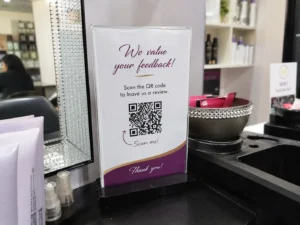
For example, a table sign can point to the main menu during lunch, then later point to a seasonal dinner feature. A takeout bag insert can point to a review request after an order. A counter card can point to a catering inquiry page during the holiday season. Nalu Link allows the same physical strategy to support different digital actions.
Track which placements get scanned
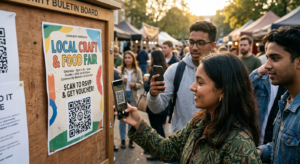
Restaurants often have multiple customer touchpoints. Tables, bars, host stands, receipts, takeout bags, delivery packaging, storefront windows, and community flyers all create opportunities for scans. By creating separate campaigns for each placement, the restaurant can see where customers are engaging.
That data is helpful because it shows where attention is highest. A table tent might outperform a window sign. A takeout bag insert might drive more review requests than a receipt note. A catering flyer might perform better in one neighborhood than another. Tracking turns those observations into usable information.
Design matters
The QR code should be visible, easy to scan, and paired with a clear call to action. A sign that says “Scan for Menu” works, but a more specific prompt may perform better. “Scan for Today’s Specials,” “Scan to Order Online,” or “Scan to Leave a Review” tells the customer exactly why the scan matters.
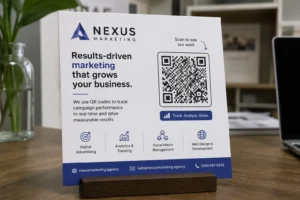
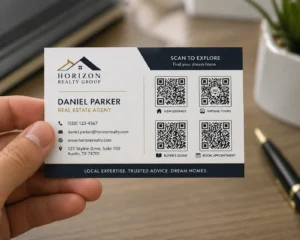
Nalu Link also supports simple marketing materials, which can help restaurants create flyers, tabletop bi-folds, and business cards without needing advanced design software. That matters for busy owners who need practical tools, not another complicated platform.
A better customer experience and better marketing data
For customers, a QR code should make things easier. For the restaurant, it should make marketing smarter. A trackable menu QR code can do both. It gives customers quick access to the right page while giving the business a clearer view of engagement.
Restaurants already work hard to attract guests and create repeat visits. Nalu Link helps make each printed touchpoint more useful by connecting it to a campaign that can be measured, updated, and improved.
FAQ
Can a restaurant menu QR code be updated after printing?
Yes, when the QR code routes through a trackable campaign link, the destination can be updated without replacing the printed code.
Where should restaurants place QR codes?
Tables, bars, host stands, takeout bags, windows, receipts, delivery packaging, and catering flyers are all useful placements.
Can restaurant QR codes track customer engagement?
Trackable QR code campaigns can show scan activity and help restaurants compare placements or offers.
What should a restaurant QR code link to?
Menus, online ordering, reservations, specials, review requests, loyalty programs, and catering inquiries are strong destinations.
Create a free Nalu Link account and build a trackable QR code or campaign link for your next print or digital campaign.
Practical setup checklist
For best results, treat each QR code as a campaign instead of a decoration. Create the campaign before printing, give it a clear name, test the QR code on multiple phones, and confirm the destination page is ready for visitors.
Use separate campaigns when you want separate reporting. A restaurant table tent, direct mail route, event flyer, business card, and storefront sign should not all use the same code if the business wants to compare results. The cleaner the campaign setup is, the easier the reporting will be.
After publishing or distributing the materials, review scan activity monthly. Keep the strongest campaigns, improve underperforming destinations, and update links when menus, offers, listings, or landing pages change. The goal is to make every printed piece easier to measure and easier to improve.